Unireverse Film
Turns a scanned film negative into a positive - inverting in log-density the way film and paper do, then grading contrast the way a darkroom does.
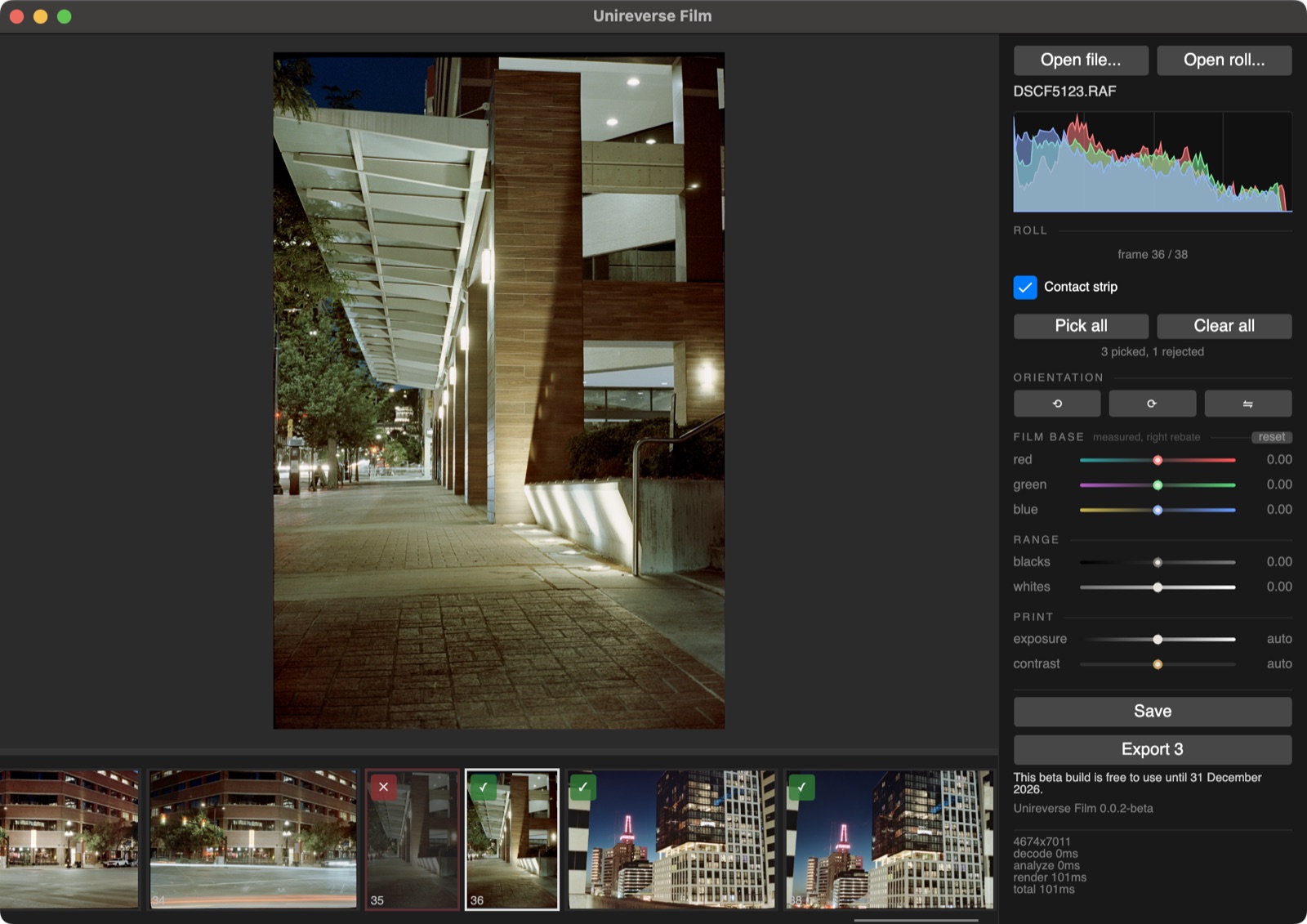
Download — free public beta, macOS, Linux and Windows
Prefer no installer? Apple silicon .zip · Windows .zip. Checksums: arm64 · Linux.
On Linux, make the AppImage executable and run it:
chmod +x Unireverse-linux-x64.AppImage, then open it. No install, no
package manager. The Linux build is not signed, so the checksum is how to check it.
Windows is experimental and may be unstable. It is new, has had little testing on real machines, and may crash, render wrongly or fail to update. It is not signed yet, so SmartScreen will warn before it runs (More info, then Run anyway). If anything goes wrong, please report it to support@unireversefilm.com — every report helps get it stable.
How to use it
Calibration shots (optional)
Two reference shots of the empty holder let the app remove vignetting and uneven backlight from every frame in the roll, before anything else is measured.
- Shoot the empty holder with the same camera position, focus and zoom as the roll. Don't move anything between the roll and these shots.
- Flat: backlight on, exposed bright but not clipped.
- Dark: backlight off.
- Save them as
flat_field.<ext>anddark_frame.<ext>in the roll's folder. Both are required; one without the other is an error.
The pair is never shown in the strip and never exported. Without it, the roll converts uncorrected.
Picking and exporting
- Open the roll's folder. Every frame shows in the strip.
- Press P to pick a frame, X to reject it, the same key again to clear. Pick All by the strip picks the whole roll.
- Export writes only the picked frames. By default they go to a
<roll>_positivesfolder beside the roll; you can choose another, but not the roll folder itself. Files are named<frame>_positive.tifor.jpg, and the scans are untouched.
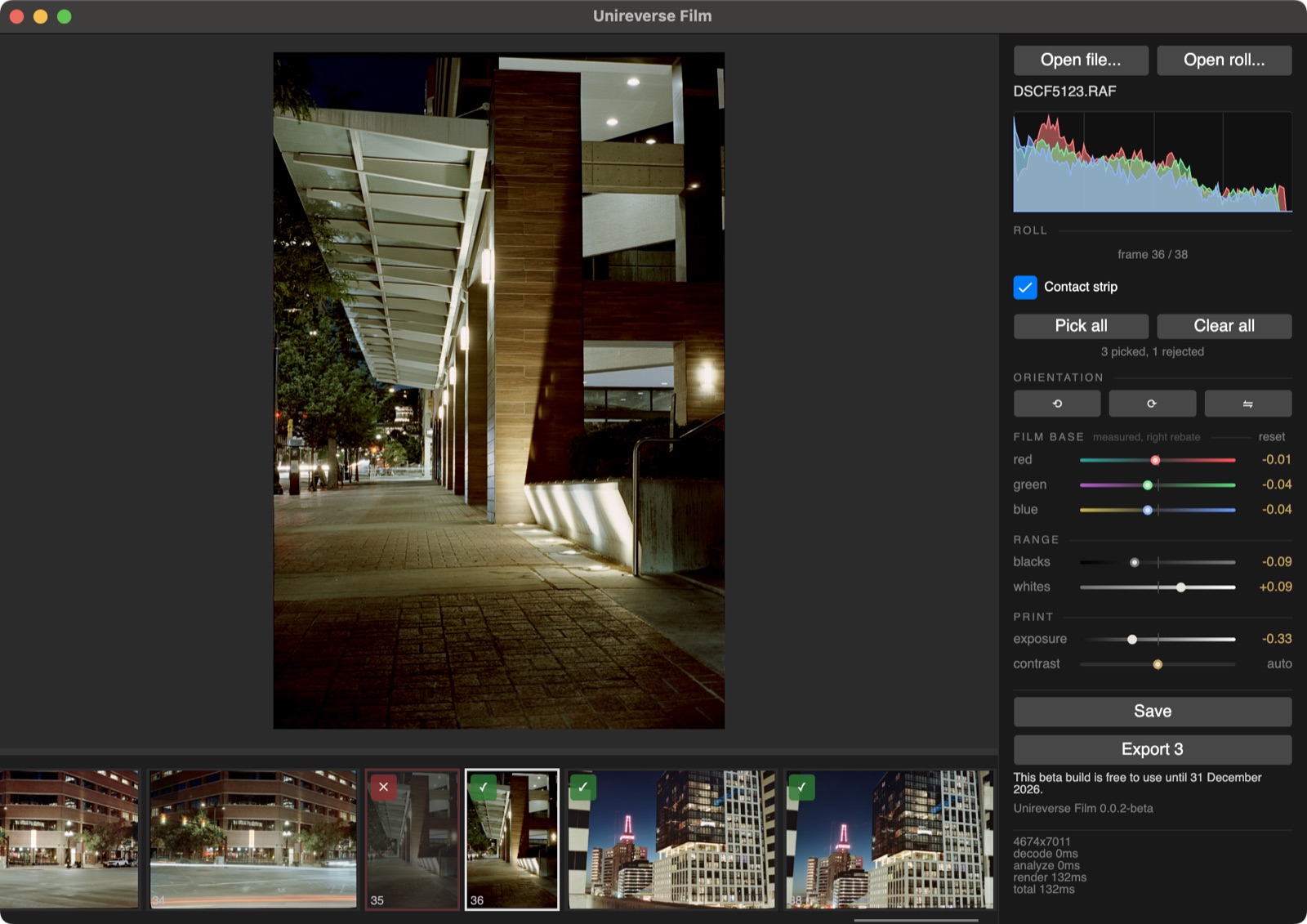
Export options:
- TIFF is lossless and 16-bit at every preset. Fast, Balanced and Small trade encode time against file size.
- JPEG is for sharing. Maximum, High and Medium set the quality.
- Advanced exposes compression, deflate level, bit depth and JPEG quality directly. 16-bit is the default; 8-bit throws away tonal headroom.
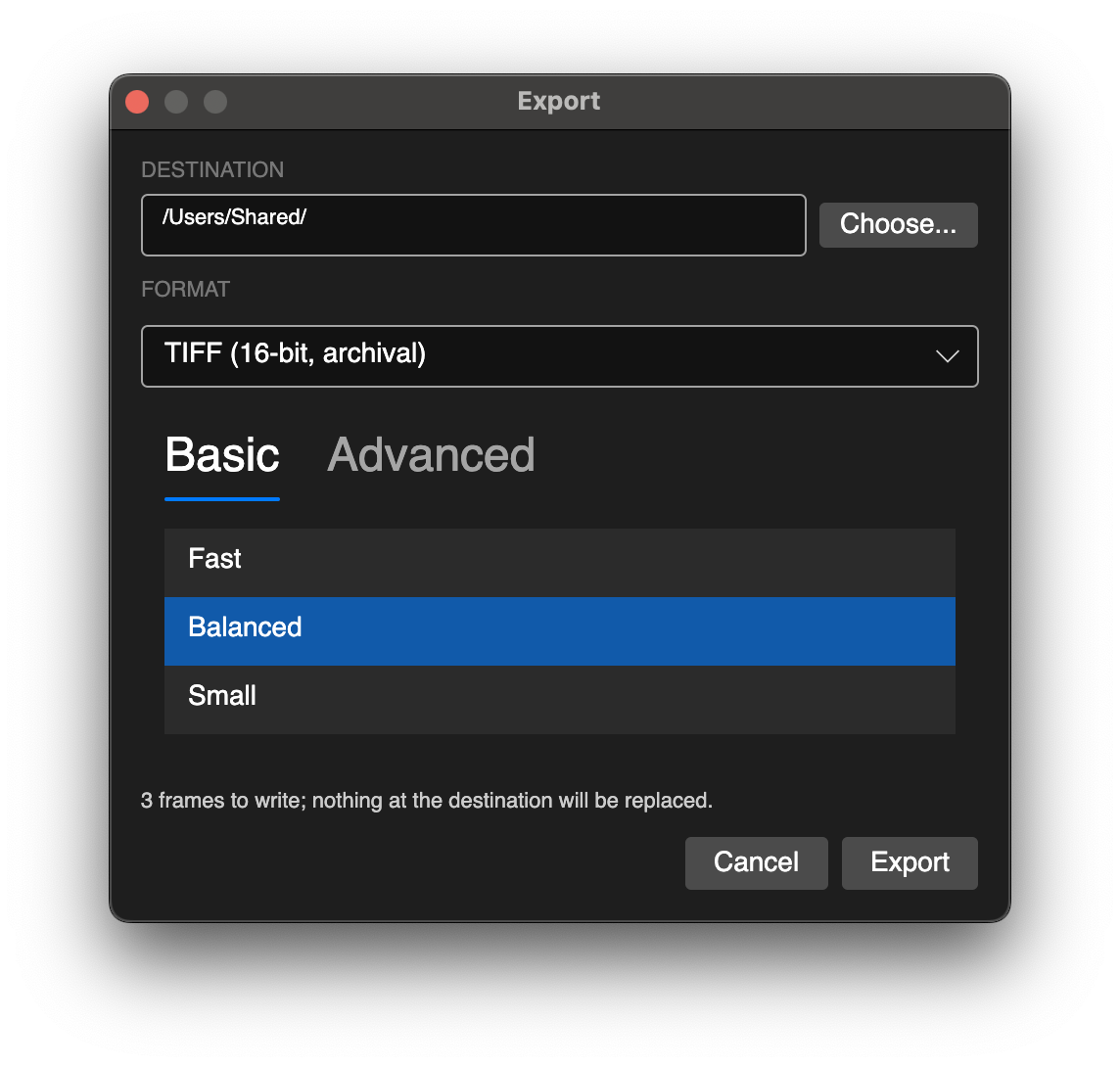
Picks and adjustments live only while the window is open. Closing it loses them, so export before you close.
What you are getting
- It is free. No licence, no key, no account. Every feature works.
- It is a beta. It is not finished, and it is not polished. Expect bugs, crashes, and missing features. The app will be updated frequently, and updates are pushed automatically.
- Raw files supported, not required. Raw files are supported from most cameras.
- Exports stop on 31 December 2026. The date is stamped into the build. After that, the app still opens and still renders, but saving and exporting stop until you install a newer build. This is how the whole beta retires when 1.0 launches.
- Doesn't modify your scans. Adjustments are made to duplicate image data, and the original scan files remain unchanged.
- macOS 14 Sonoma or newer, on Apple silicon. Older systems and Intel Macs are not supported.
- Linux: x86-64 with glibc 2.34 or newer. Ubuntu 22.04, Debian 12, Fedora 35 or later. Older distributions are not supported.
- Windows: 64-bit Windows 10 or 11, experimental. Expect rough edges, and please report any issue you hit.
Feedback
Bugs, crashes, a frame it converted badly, a raw file it won't open, a feature you wish it had, or a feature you wish it didn't have: support@unireversefilm.com. That address is read by a person. There is no public issue tracker, so it is the only way through.
Useful in a report: the OS and version (macOS, Linux distribution or Windows), the version from the app's dock panel, and the scanner and file format the frame came from.